How to Turn a $100 SHEIN Cart Into $70 in 5 Seconds Flat

How to Turn a $100 SHEIN Cart Into $70 in 5 Seconds Flat
Online shopping carts have a sneaky way of inflating before checkout, and SHEIN is no exception. Add a few items, and that $100 total can feel locked in. But here’s the truth: most shoppers are leaving 20–30% on the table simply because they don’t know where to look before hitting “Pay Now.” With a few quick moves, you can shrink that bill in the time it takes to read this sentence.
1. Check the App-Exclusive Discount Banner
SHEIN frequently runs app-only promotions that aren’t visible on the desktop site. Before checkout, open the app and look for a banner or pop-up offering a percentage off your first app order or a flash discount tied to your cart total. These are often automatically applied once you switch from browser to app.
2. Use the “Spin to Win” or Daily Check-In Rewards
SHEIN’s gamified rewards section (points, spin wheels, check-in streaks) hands out coupon codes that stack with regular pricing. A 60-second daily check-in habit can quietly build a coupon wallet worth 15–30% off, ready to apply right at checkout.
3. Abandon the Cart, Just Long Enough
This one feels counterintuitive, but it works because of how cart-recovery systems are built. Add your items, leave the app idle for a few minutes without checking out, and watch for a push notification or email offering a discount to “come back and complete your order.” It’s a system-generated nudge, not a guarantee, but it’s common enough to be worth the wait.
4. Stack a New-Customer or Email Sign-Up Code
If you haven’t shopped with SHEIN before (or are signing up with a new email), there’s usually a welcome discount triggered the moment you subscribe to their newsletter or create an account. This can be combined with site-wide sale events for compounded savings.
5. Apply Codes in the Right Order
The biggest mistake shoppers make is applying only one code when the checkout page allows multiple types: a percentage-off coupon, a points redemption, and a flash-sale discount can sometimes all apply to the same order. Always check the “Apply Coupon” and “Use Points” fields separately before assuming you’ve maxed out your savings.
Put two or three of these together, and a $100 cart sliding down to $70 isn’t a stretch, it’s just paying attention to what’s already on the table.
Related SHEIN Guides
- The app deals that come in under $1
- Getting 30% off without hunting for codes
- Free shipping codes worth checking first
FAQs
Are these discount methods guaranteed every time? No. Availability depends on SHEIN’s current promotions, your account history, and regional offers, so savings will vary by order.
Can I combine multiple coupon codes in one order? Often yes, SHEIN’s checkout allows separate fields for coupons and points, but stacking limits change with each sale event.
Does the cart-abandonment trick work on every order? Not always. It’s a system-triggered offer, so timing, cart value, and your purchase history all play a role.
Is the app better than the website for discounts? Generally yes, app-exclusive promotions are common, so it’s worth checking both before checkout.
Will signing up with a new email always give a discount? Most new accounts trigger a welcome offer, but the exact percentage and terms can shift over time.
6 thoughts on “How to Turn a $100 SHEIN Cart Into $70 in 5 Seconds Flat”
Leave a Reply
Related Post
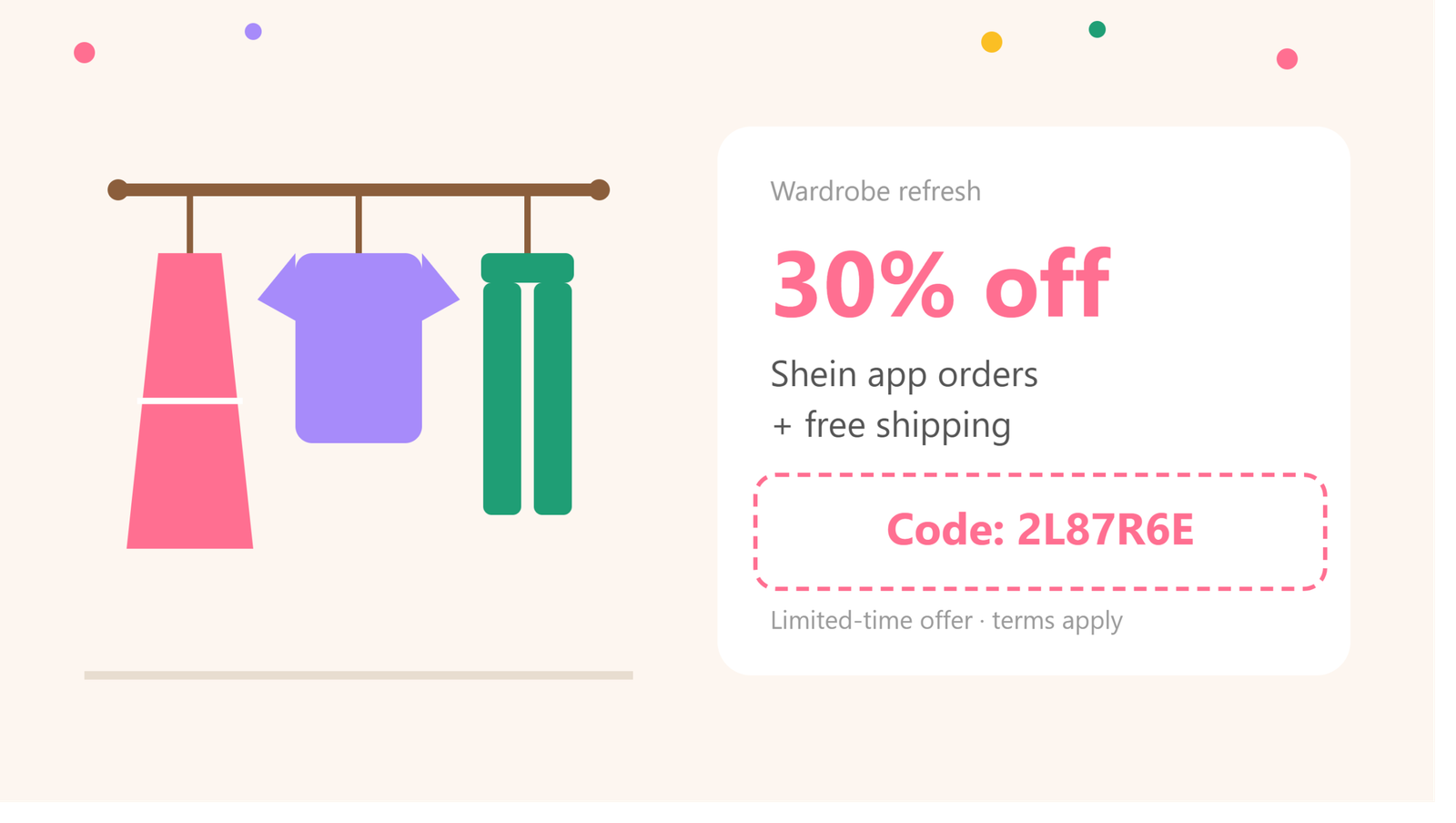
Level Up Your Wardrobe for Less: The Ultimate SHEIN App Discount Guide
A wardrobe refresh doesn’t have to come with a full-price tag. If you’ve got a [...]
All Under $1! The SHEIN App Deal New Users Don’t Want to Miss
SHEIN New User Deal: Items Under $1 with Code 85G72 Ever wished you could try [...]
I didn’t realize how quickly the total could add up on SHEIN! Those tips for trimming the cart are really helpful. this one
I love how you explained the tricks for managing the cart! It’s so easy to lose track of spending when shopping online, especially on SHEIN. Those quick tips will definitely come in handy for my next haul! interesting find
I had no idea the cart could inflate so easily with just a few items! The suggestions for coupon stacking are really eye-opening. I can’t wait to try these strategies next time I shop on SHEIN! recommended
I found your tips about using promo codes really insightful! I never thought about how combining different codes could make such a big difference. It’s a game changer for maximizing my SHEIN budget. Looking forward to trying this out on my next order! helpful site
I really appreciate the insights on how to minimize costs while shopping on SHEIN! The part about utilizing seasonal sales alongside promo codes is such a smart strategy. Can’t wait to implement these tactics on my next shopping spree! super helpful useful tool
I really liked your approach to avoiding those surprise costs at checkout! The tip about being mindful of the cart’s total before adding items is something I’ll definitely keep in mind. It’s so easy to overspend when shopping on SHEIN, so these strategies will definitely help for my next purchase! related tool